
One touch. Infinite sound.
Skym turns your iPhone or iPad into a touch controller for Ableton Live. Select any device and your finger plays its first four macros.
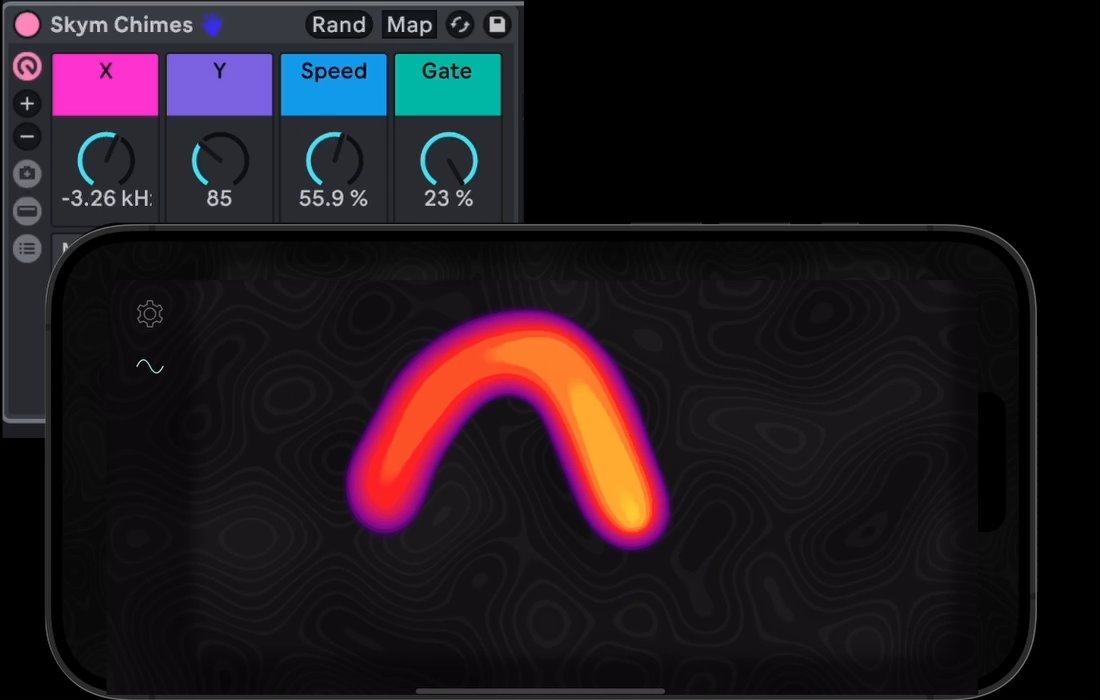
Requires a Mac with Ableton Live Suite 11.3.43+
Built for the way you already work.
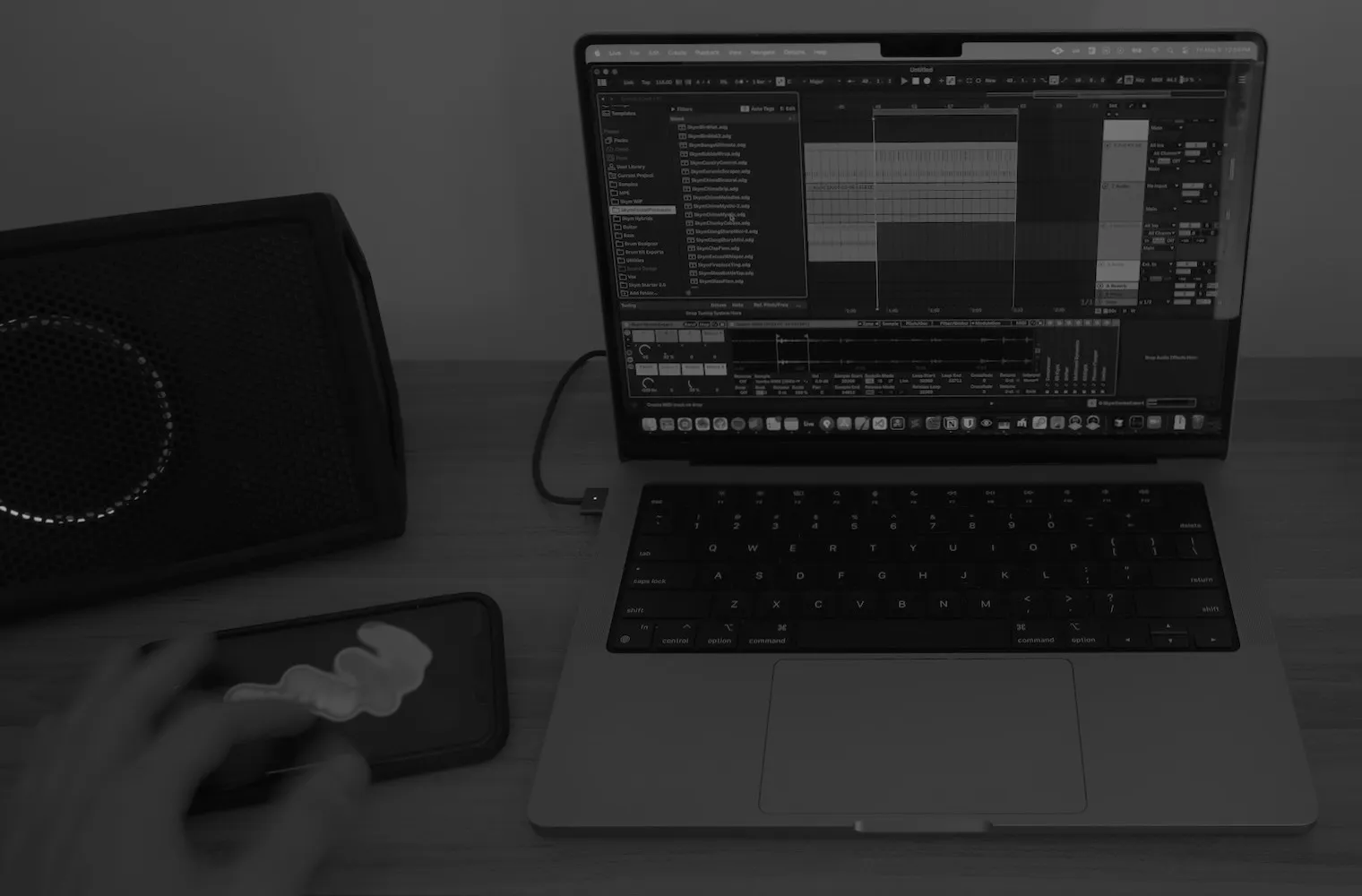
Follows your selection
A custom control surface script points Skym at whatever device you select, like the knobs on a Push. No MIDI learn.
Instruments and effects
Bring touch to your favorite instrument and effect racks, and design interactions around the sounds and plugins you already love.
USB or Bluetooth
Plug in or go wireless. Skym doesn’t make sound on its own: it plays the Ableton you already know.
“Skym has undoubtedly changed the way I perform, produce, and connect with people. The most simple sounds lead to hours of exploration.”
 Chuck Sutton
Artist, sound designer, educator
From App Store reviews
- “Game changer.”
- “Truly inspiring software.”
- “A must-have sound design tool.”
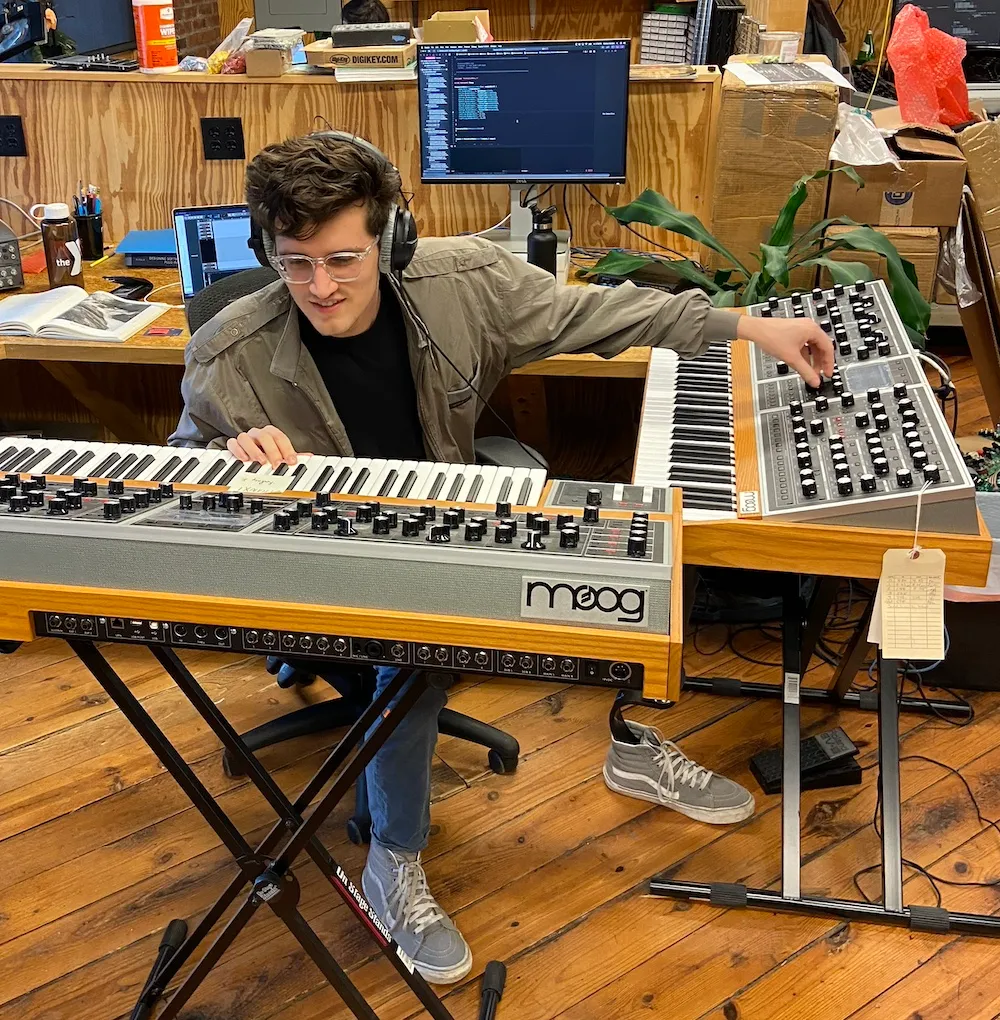
Make music that sounds like you.
“Expressive controllers like the LinnStrument changed the way I think about sound and music. I want to build tools that let everyone dive in, get a taste of that feeling, and connect more deeply with their own music.”
Musician, developer, founder of ResGuide
ResGuide is an independent studio making expressive, accessible tools for Ableton users at every level. Skym is the first. Read the story →
Up and running in 10 minutes.
- Check compatibility
- Get the free Starter Pack
- Install Skym
- Connect to Ableton